Primus Calendar
The Primus Calendar is a powerful feature within the Primus dealership management system, built specifically for equipment dealerships. It allows equipment dealers to schedule, track, and manage service appointments, transportation, sales activities, and equipment deliveries.
Designed for day-to-day dealership operations, this equipment dealership management system lets you create events directly from equipment records, work orders, or customer profiles, or add them directly on the calendar. Every appointment stays fully connected across your dealership, giving equipment dealers real-time visibility and better control over service flow, inventory movement, and customer timelines.
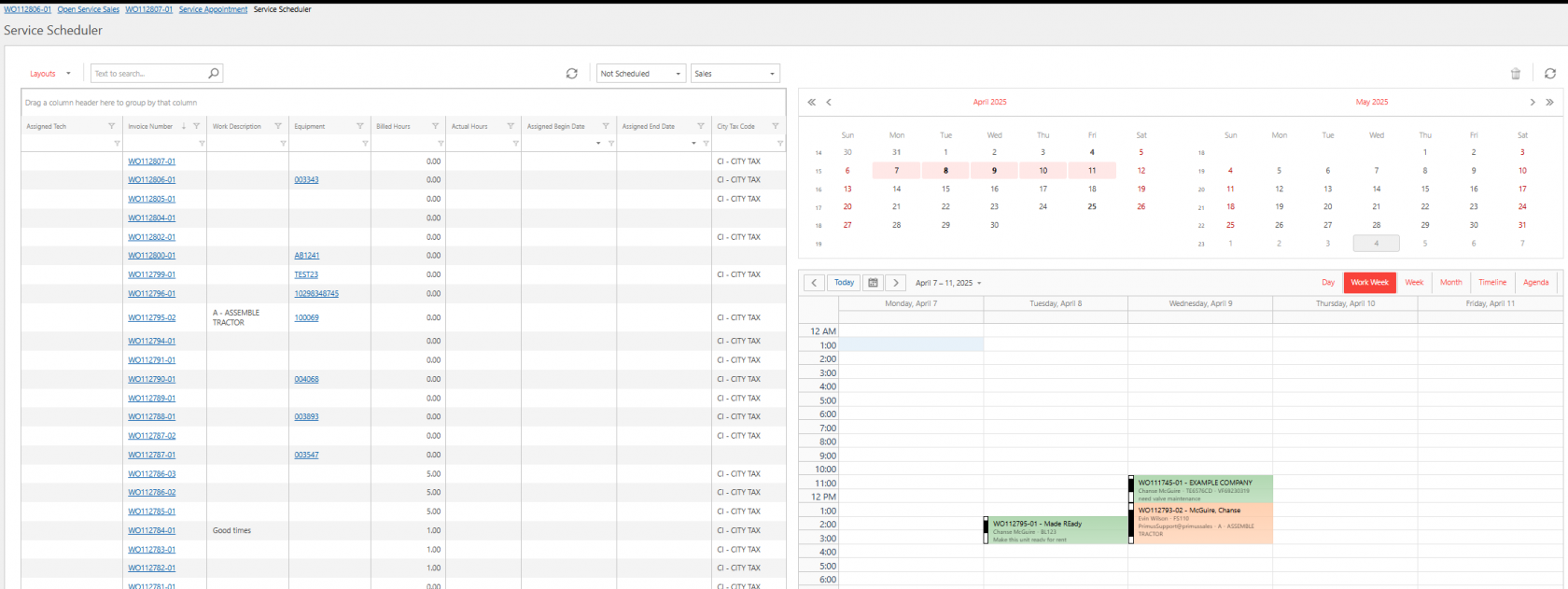
Color-Coded Service Scheduling
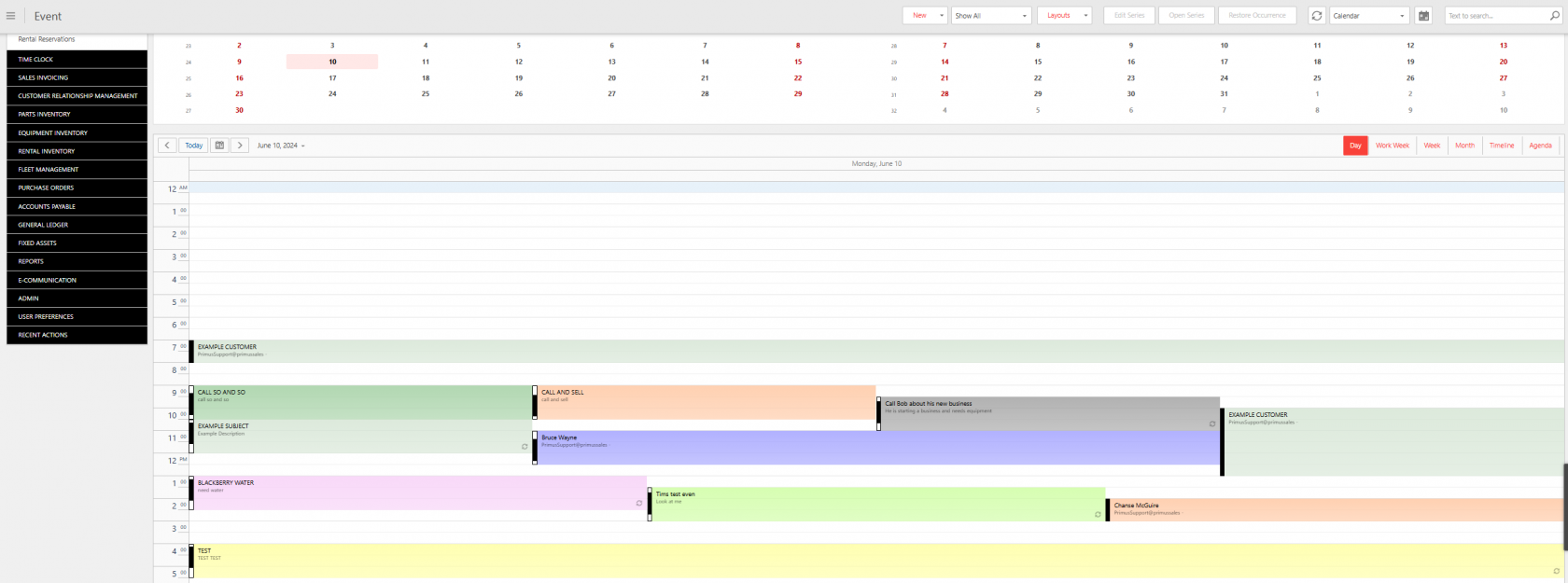
All-in-One Calendar View
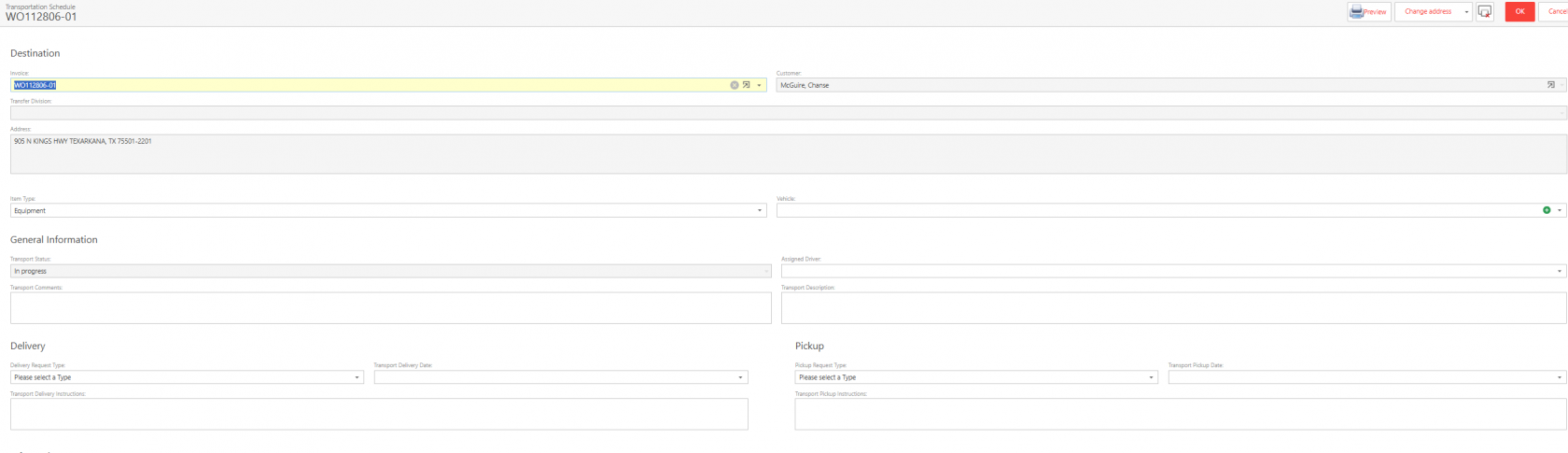
Integrated Transportation Scheduling
Built-In Sales Scheduling
Schedule sales activities directly from a sales opportunity or customer account.
Easy Access Appointments
Use your calendar in a traditional view or an agenda view to easily access appointments. Use links within the appointment to view any needed details.
Frequently Asked Questions
Can I drag/drop a calendar event on the calendar?
Yes. You will have full editing capabilities for scheduled calendar events, including the ability to drag and drop for quick and simple rescheduling.
As a manager, will I be able to track the changes made to calendar events?
Yes. You can fully audit any planned event, including a detailed record of all changes made and the user who made them.
Can I choose to see only my calendar?
Yes. You can easily view only your own calendar events at any time, without needing to set filters each time.
Can I create a recurring event?
Yes. Recurring events are simple to create and manage in Primus, with flexible options to customize different types of events.
Take Primus for a spin
Schedule a demo or talk to a sales representative today.
