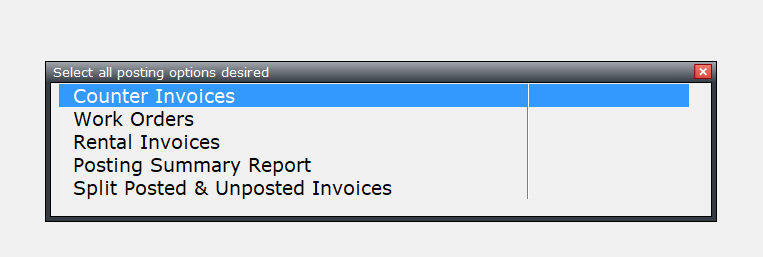
All counter invoices, work orders, and rental invoices are selected to post at the same time. However, you are allowed to select only one at a time.
Select Customer Manager>>Processing>>Post Invoices & daily summary.
Press the SPACE BAR on each option or use your mouse button to select which option you wish to process.
Once the items have the word <SELECTED> to the right, press ENTER to continue.
Read the top of the screen to verify what posting questions you are answering.
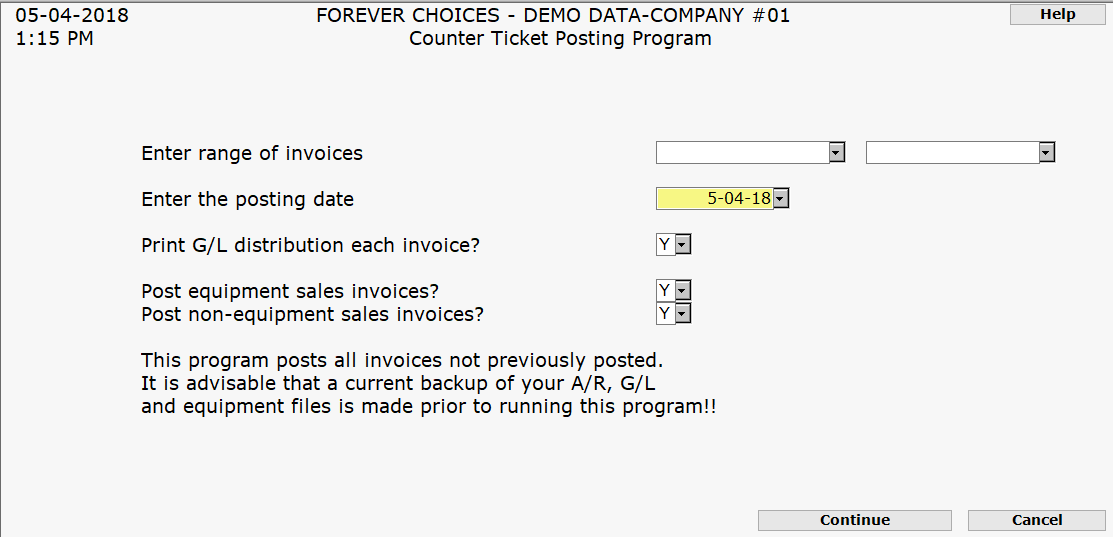
ENTER G/L TRANSACTION POSTING DATE (MMDDYY):
PRINT G/L DISTRIBUTION EACH INVOICE.. Y OR N:
Press ENTER and then F5 to continue with posting.
If you chose to post Work Orders and/ or Rental Invoices, you will need to complete the same type of screen for each.
The Posting Summary Report screen will appear. Modify the screen if necessary.
|
This is the report that will accumulate all Cash, Credit Cards, Checks, etc., for easy reconciliation. The cash received from other options in the system such as: Cash Receipts and Equipment Sales invoice will appear in the OTHER RECEIPTS section. |
